
How to play GROVE on an M-series Mac
wingames makes it easy to launch the Windows version of GROVE: Dark Places on your Mac. These instructions cover v0.308, rather than the separate GROVE Rework game.
Install GROVE and press Play
You’ll need an M-series Mac with macOS 15 or later and wingames 1.2.2 or later. Follow the installation instructions, including Rosetta setup.
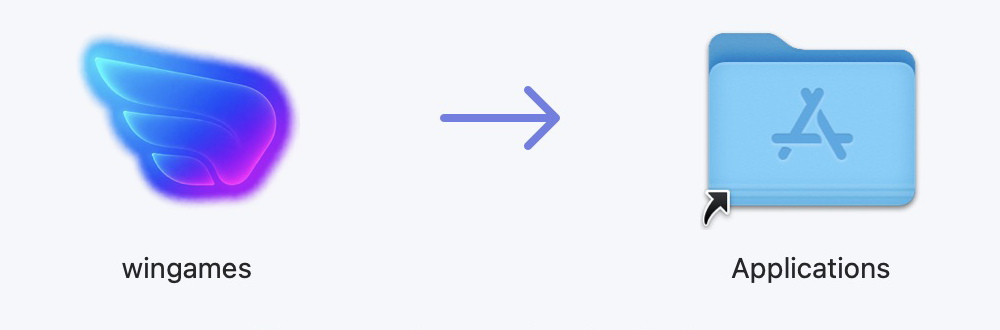
- Download wingames, open the DMG and drag the app into Applications.
- Download GROVE v0.308.zip, the Windows version, from GROVE DEVELOPMENT’s official page.
- Extract the whole ZIP into a folder you want to keep.
- Open wingames, choose Add game → From your computer… and select
GROVE.exe. - Select GROVE in your library and press Play.
Keep GROVE.exe with all the other files and folders from the ZIP. Leave that folder where you added it. The creator also warns against keeping the game in a cloud-synced folder, so choose a local folder outside services such as iCloud Drive, OneDrive or Dropbox.
If macOS blocks wingames, follow the approval instructions on the download page. This version has not been notarized by Apple; only approve it if you trust the source.
I’ve checked the menu on an M2 Pro Mac. A follow-up check kept the game open and rendering for 100 seconds with the fix enabled. That is a launch check, rather than a full playthrough or a long-session test.
What I fixed to get GROVE running
GROVE’s Windows version is a 32-bit game. On an M-series Mac, wingames uses Wine and Rosetta to help it run.
When the game asks the system to do something, execution has to move between the game’s 32-bit code and the runtime’s 64-bit code. In my testing, the return to the game could leave its processor state invalid, causing an exception.
I changed that return path to use Wine’s existing, fuller method of restoring the processor state. The same trial reproduced the exception with the fix switched off, then ran and rendered with it switched on. The exact reason Rosetta behaves differently on the original path is still an inference, rather than something I’ve proved.
This correction is in the shared runtime. It doesn’t change GROVE’s executable, artwork or saves. I also checked Jagged Alliance 2’s menus and REC’s menu and settings after the change.
Wine and the other open-source projects behind wingames deserve credit. My work is choosing and bundling fixes, investigating the games that fail, and checking the result so you can add your game and press Play.