
How to play Problematic Subjects on an M-series Mac
wingames makes it easy to play Problematic Subjects on MacOS.
- Download [WIN]ProblematicSubjects_1.3.0.zip from Babusgames.
- Download wingames
- Extract the complete game folder.
- In wingames, choose Add game → From your computer… and select
Problematic Subjects.exe. - Press Play.
Keep Problematic Subjects.exe together with the other files and folders from the ZIP. Leave the folder where you added it.
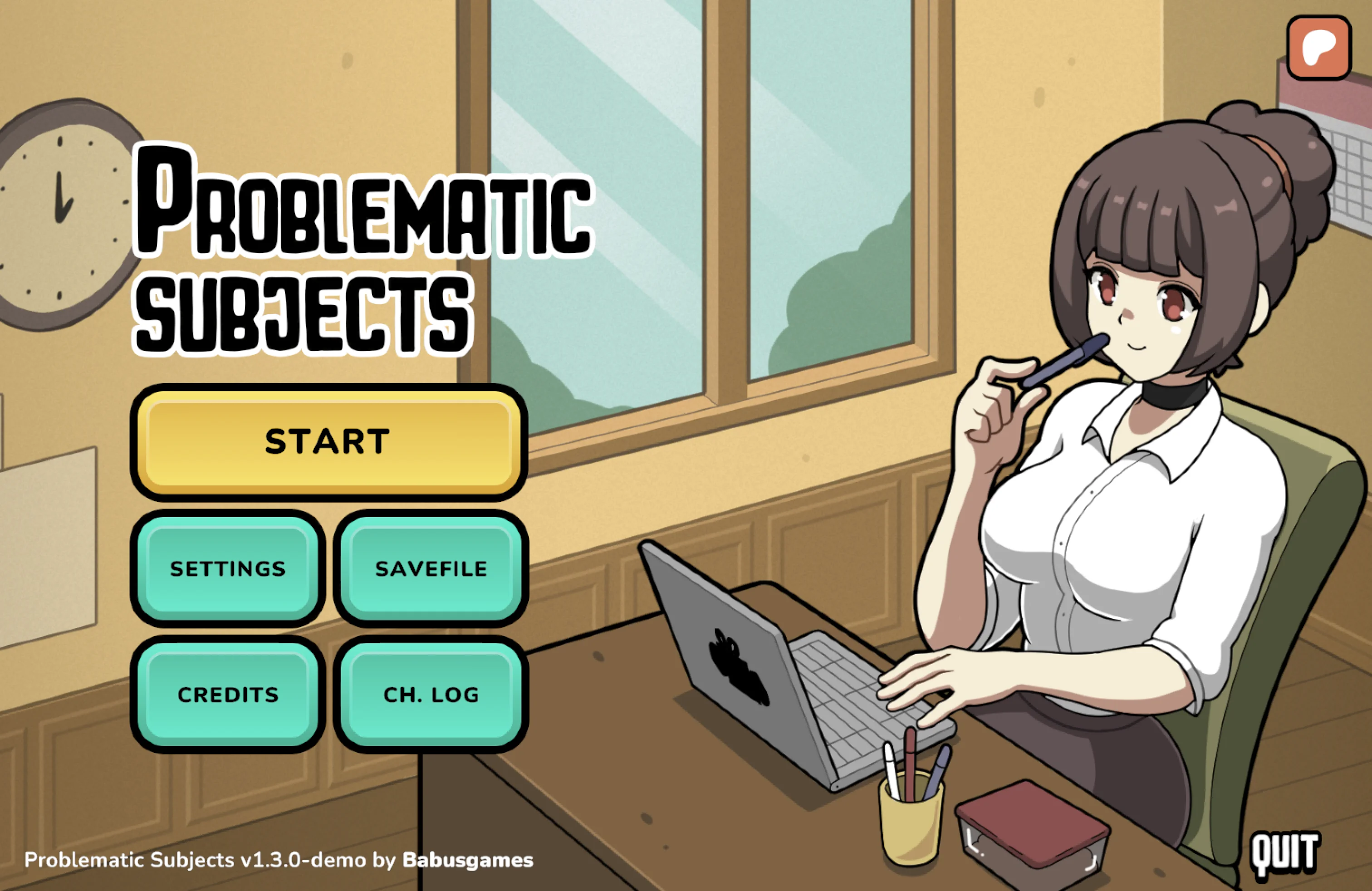
These steps cover Windows version 1.3.0-demo.