
How to play REC on an M-series Mac
wingames makes it easy to play REC on MacOS.
- Download the Windows version from the game’s creator.
- Download wingames
- Extract the complete game folder.
- In wingames, choose Add game → From your computer… and select
REC.exe. - Press Play.
Keep REC.exe, REC.pck and data_REC_windows_x86_64 together in the extracted folder. Leave the folder where you added it.
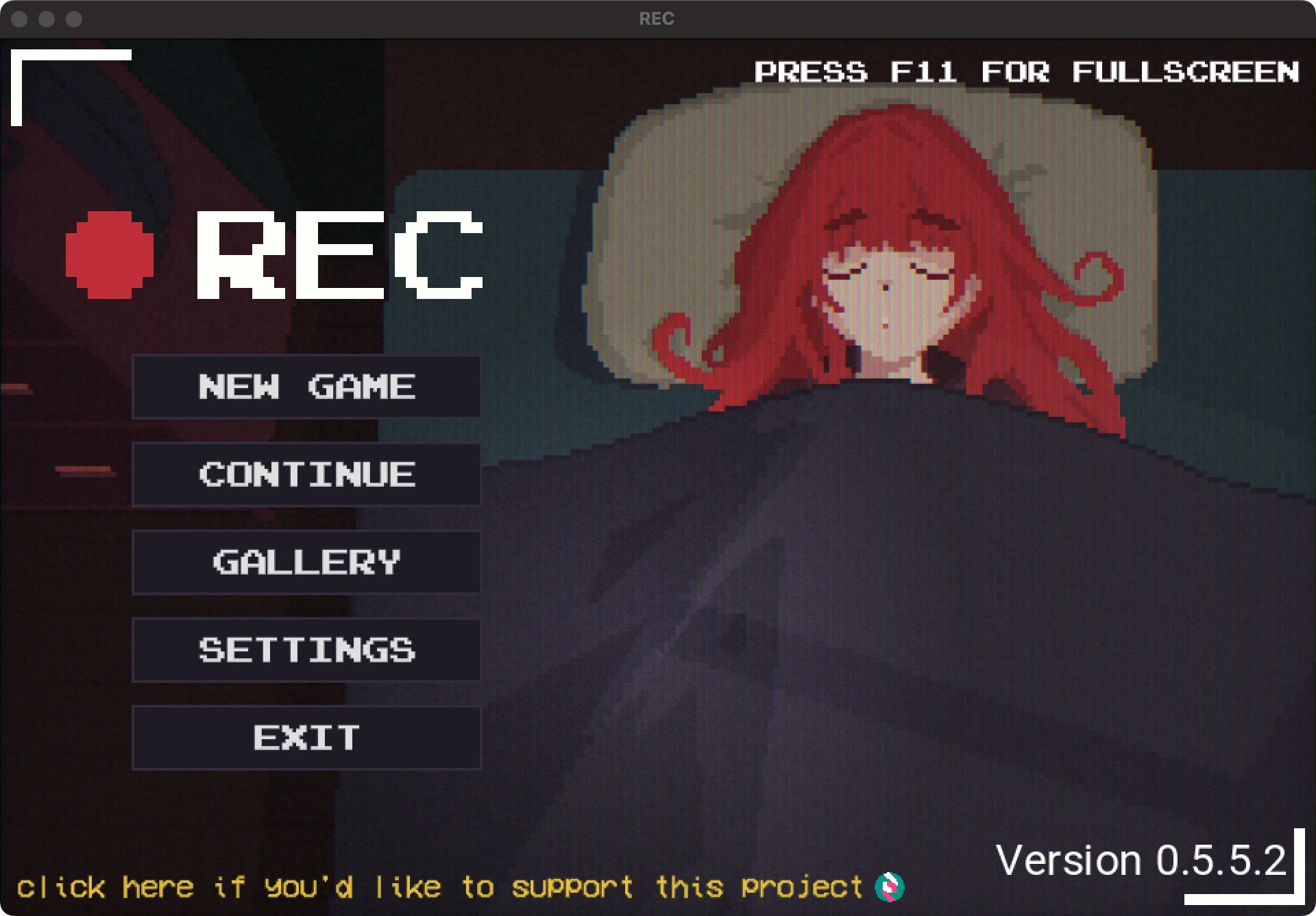
The game’s menu shows F11 for fullscreen.
These steps cover Windows version 0.5.5.2.